
A smart home keypad that runs for months on a small battery and costs less than a dinner out sounds unlikely. Yet a new open-source design built for Home Assistant users is doing exactly that, blending Zigbee control, capacitive touch input, and ultra-low power operation into a wall-mounted interface.
Instead of relying on apps or voice assistants, the device brings physical interaction back into smart home control. It is designed to enter passcodes, trigger automations, and manage secure actions locally in Home Assistant without cloud services or vendor lock-in.
What is the Zigbee Touch Keypad?
The project, known as the Zigbee Touch Keypad, is a compact DIY input device built specifically for Home Assistant environments. It is designed as a slim wall-mounted panel that allows users to enter numeric codes and trigger automations using a physical interface rather than a smartphone screen.
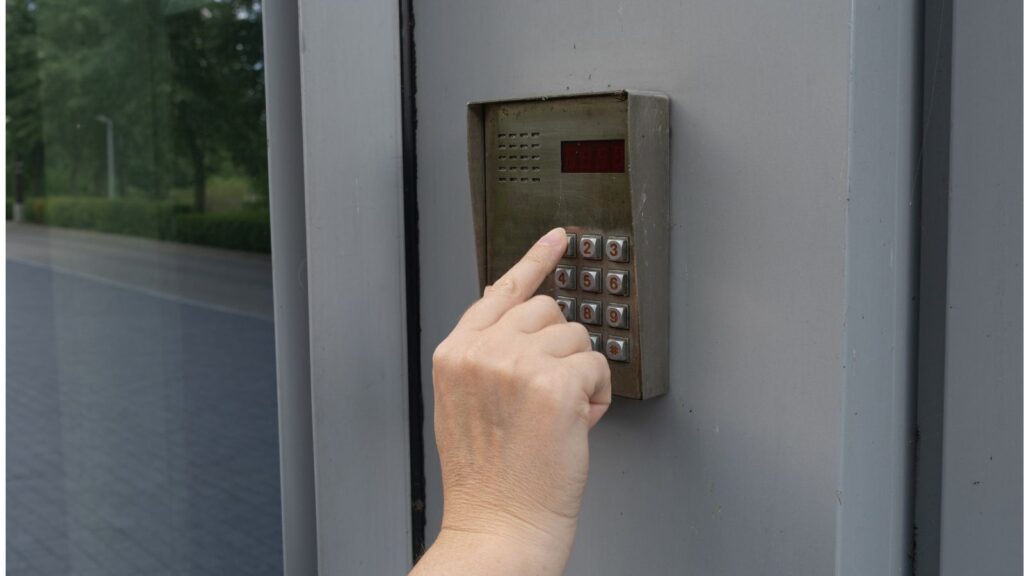
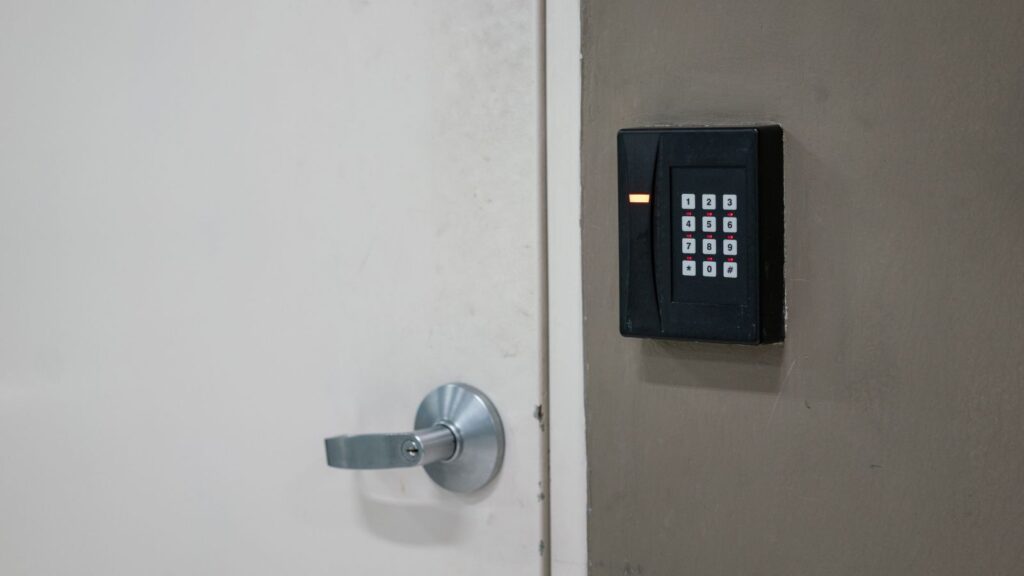
The layout uses a 2×6 grid with digits 0 through 9, along with the Clear and Enter keys. Instead of stickers or membrane overlays, the labels are printed directly onto the circuit board, giving it a more durable finish that better suits long-term wall installation.
Unlike many hobby smart home accessories, the keypad is intended to feel like a finished product once assembled. The enclosure design and PCB layout aim for a clean aesthetic that blends into entryways or secure zones without drawing attention.
How does the hardware work?
At the core of the device is an ESP32-C6 development board paired with an MPR121 capacitive touch controller. The MPR121 handles finger detection across the keypad surface, while the ESP32-C6 manages wireless communication and system logic.
The ESP32-C6 supports IEEE 802.15.4 connectivity, enabling Zigbee communication and leaving room for future support of other protocols such as Thread or Matter. This flexibility makes the hardware more adaptable than typical single-protocol DIY smart home devices.
Power comes from a 1,300 mAh lithium-polymer battery, which supports roughly 6 months of use under normal conditions. The estimated bill of materials ranges from $23 to $30, depending on sourcing, making it one of the more affordable smart home interface projects available.
Why does the design matter for smart homes?
Most commercial smart home keypads are either expensive, tied to proprietary ecosystems, or require constant power. This design takes a different approach by focusing on battery efficiency, local processing, and open-source accessibility for Home Assistant users.
The PCB files, firmware, enclosure models, and example automations are all included in the project repository. That level of openness allows users to reproduce, modify, or adapt the device to specific smart home workflows without relying on closed software platforms.
It also reflects a broader shift in smart home hardware toward local-first systems. Instead of depending on cloud APIs, the keypad is built to function entirely within a Home Assistant installation running on Zigbee networks such as ZHA or Zigbee2MQTT.
Little-known fact: In 2025 alone, Home Assistant’s certification program approved more partner devices than in the program’s first two full years combined.
How does it connect to Home Assistant?
Once paired, the keypad appears as a standard Zigbee end device inside Home Assistant. It communicates passcodes, battery levels, and status updates via standard Zigbee endpoints, enabling automations to respond immediately when input is detected.
The system is designed to work with existing Home Assistant infrastructure rather than introducing a new hub or application. Users who already run Zigbee networks can integrate it directly into automations for door locks, alarm systems, or scene triggers.
Battery percentage is also exposed to Home Assistant, enabling low-power alerts before the device stops responding. This helps ensure reliability in security-focused setups where a dead keypad could create access issues.
What makes the firmware approach unusual?
The keypad uses a simple but important firmware design choice that affects how codes are processed. To preserve leading zeros, the system prepends a digit internally before sending values to Home Assistant automations.
This means a passcode like 0123 is transmitted in a modified numeric format that requires adjustment inside automation rules. While minor, this detail ensures consistency when converting touch input into structured data.
After 10 seconds of inactivity, the device enters deep sleep mode to conserve energy. The capacitive controller remains in a low-power scanning state, so the first touch instantly wakes the system with no noticeable delay.
Why is battery life so long?
Battery efficiency is one of the standout engineering decisions in the project. Instead of keeping the microcontroller fully active, the keypad uses ultra-low-power scanning and deep sleep to minimize energy consumption.
The capacitive touch system continuously monitors for input at a very low power level. When a touch is detected, the ESP32-C6 wakes, processes the interaction, then returns to sleep after inactivity.
This strategy allows the 1,300 milliamp-hour battery to last around six months in typical usage scenarios. That makes the device practical for wall mounting without requiring frequent charging or hardwired power.
Little-known fact: On ESP32 chips, “Ext1” wake-up mode can monitor several button-like pins simultaneously, the same low-power method suited to a multi-button keypad.
How secure and practical is it?
The keypad is designed for secure entry use cases such as door access or arming and disarming smart home security systems. Because it integrates directly with Home Assistant, it can trigger local automations without sending data to external servers.
Security depends heavily on how users configure Home Assistant automations. The device itself only captures input and transmits it over Zigbee, leaving authentication logic and access control rules to the smart home system.
This separation allows flexible security setups but also requires careful configuration. Incorrect automation design could expose sensitive actions, so it is best suited for users already familiar with Home Assistant security practices.
Why DIY still matters in smart home hardware
Commercial keypad products often sacrifice flexibility for convenience. They may require subscriptions, cloud services, or limited integrations that restrict how users build automations across devices and platforms.
This open-source keypad takes the opposite approach by prioritizing control and customization. Every part of the system, from PCB design to firmware, is available for modification, making it attractive to advanced Home Assistant users.
The tradeoff is complexity. Assembly, firmware flashing, and configuration of automations require technical proficiency, which limits appeal to enthusiasts rather than mainstream consumers.
Is this the future of physical smart home controls?
Physical interfaces are regaining importance in smart homes that have become heavily app-driven. Devices like this keypad restore quick, tactile control for repetitive actions such as unlocking doors or triggering scenes.
The broader trend is toward hybrid control systems where apps, voice assistants, and physical devices work together. A wall-mounted keypad offers immediacy that smartphones often lack in everyday household routines.
As Home Assistant continues to grow, projects like this suggest a future where smart homes include purpose-built control surfaces. Instead of everything being digital, key actions may increasingly rely on simple physical inputs.
TL;DR
- The Zigbee Touch Keypad is an open-source Home Assistant accessory that provides a physical, wall-mounted interface for entering codes and triggering smart home automations without relying on apps or cloud services.
- Built around an ESP32-C6 and an MPR121 capacitive controller, the device uses Zigbee connectivity and an ultra-low-power design to achieve roughly six months of battery life from a 1,300-milliamp-hour cell.
- Integration with Home Assistant through ZHA or Zigbee2MQTT allows the keypad to transmit passcodes and battery data locally, enabling secure automations for doors, alarms, and scenes within existing smart home setups.
- The project emphasizes local-first control by avoiding vendor lock-in and cloud dependencies, making it especially appealing to advanced users who prioritize privacy and full control over automation.
- Its open-source hardware files, firmware, and enclosure designs make it a reproducible DIY build, though it still requires technical skills such as soldering, firmware flashing, and automation configuration.
This article was made with AI assistance and human editing.
If you liked this, you might also like:
Trending Products

iRobot Roomba Plus 405 (G181) 2in1 ...

Tipdiy Robot Vacuum and Mop Combo,4...

iRobot Roomba 104 2in1 Vacuum &...

Tikom Robot Vacuum and Mop Cleaner ...

ILIFE Robot Vacuum

T2280+T2108

ILIFE V5s Pro Robot Vacuum and Mop ...

T2353111-T2126121

Lefant Robot Vacuum Cleaner M210, W...