This Google Nest trick uses ultrasonic sensing so you never have to shout commands again – Automated Home
2
Voice commands are one of the standout perks of modern smart homes. From setting timers and playing music to checking the weather or controlling lights, being able to talk to devices feels futuristic and convenient.
But constantly saying “Hey Google” throughout the day can get tiring. Even the most patient users eventually wish there was a quieter, less repetitive way to interact with smart devices.
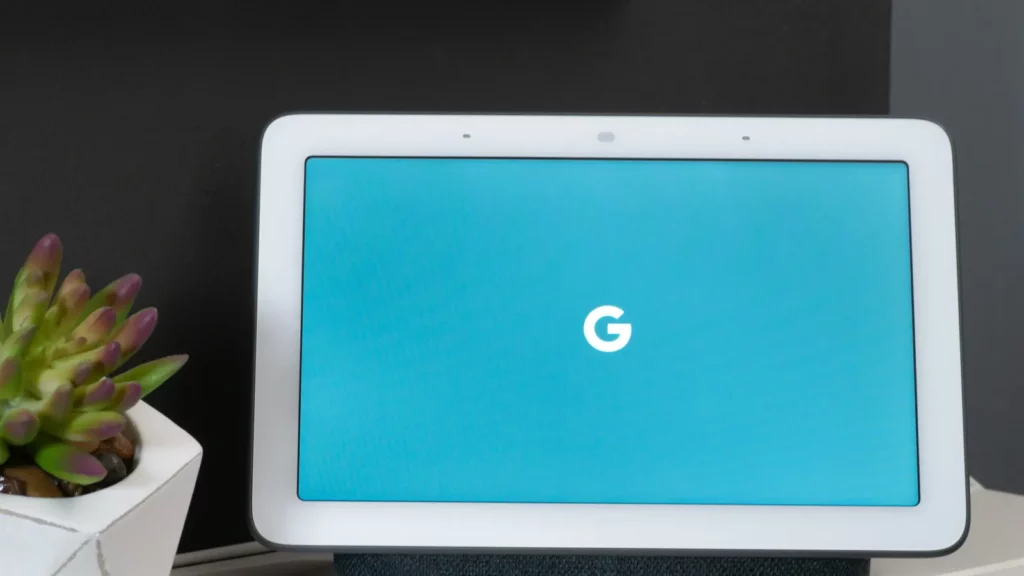
Some Google Nest speakers and displays, including Nest Mini, Nest Wifi point, Nest Hub, and Nest Hub Max, include a “hidden” feature called ultrasound sensing that lets them detect nearby presence without voice prompts. This feature makes interactions more intuitive and reduces the need for repeated commands.
Read on to discover how ultrasound sensing works and how it can transform the way you interact with your Google Nest devices.
How ultrasound sensing works
Ultrasound sensing uses inaudible sound waves emitted by the device’s speaker, which bounce off nearby objects and are detected by the microphone. This allows the device to determine when someone is nearby. On Nest Hub and Nest Hub Max, ultrasound sensing detects your presence within roughly 4–5 feet, while on devices like Nest Mini, it detects your hand when it’s about 2–6 inches above the speaker.
For speakers without a screen, such as the Google Nest Mini, volume or playback controls brighten when a person approaches. For smart displays like Google Nest Hub and Nest Hub Max, ultrasound sensing changes what appears on the screen when someone is nearby, showing more detailed controls and information while still allowing an ambient screen when no one is in front of it.
Little‑known fact: On smart displays like Nest Hub and Hub Max, ultrasound sensing can detect presence at up to around five feet away, not just close range, and can tailor the interface accordingly.
Ultrasound sensing provides dynamic adjustments on smart displays. As someone approaches, information appears in a readable layout.
If the user steps back but remains within the detection zone, the display increases font size to remain legible. Controls retract when out of reach, keeping the interface clean.
This is particularly useful in kitchens or living spaces. Timers, music controls, recipes, and weather updates appear when a user is nearby, and scale appropriately as they move away, creating a smooth and proactive experience.
Enabling or adjusting ultrasound sensing
Some Google Nest models have ultrasound sensing enabled by default.
This includes the Nest Mini, the Nest Hub Max, and the first and second-generation Nest Hub displays. To enable or disable the feature, use the Google Home app:
Open the Google Home app.
Select the desired device.
Tap the gear icon to access device settings.
Scroll to Recognition and locate Ultrasound Sensing.
Toggle the feature on or off.
Once enabled, devices respond automatically to nearby presence without the need for repeated voice commands.
Little‑known fact: If you mute the microphone on your Nest Mini, Nest Hub, or Nest Hub Max using the physical switch, ultrasound sensing will temporarily turn off, too, because the microphones are needed to detect the reflected sound waves.
Why ultrasound sensing matters in everyday life
Ultrasound sensing addresses several common pain points:
Reducing voice fatigue: Frequent use of “Hey Google” is minimized.
Discreet interactions: Ideal for shared spaces, bedrooms, or late hours.
Accessibility: Users with speech, mobility, or hearing challenges can access information visually.
Cleaner interfaces: Displays remain uncluttered, and brightness is context-aware.
While the feature does not eliminate the need for voice commands entirely, it significantly reduces repetition and enhances convenience.
Complementing voice commands with smart features
Other smart home systems also experiment with hands-free interaction. Amazon’s Echo Show devices include Tap to Alexa, allowing users to tap the screen rather than speak.
This is useful in shared spaces or for silent interactions. Users can create custom tiles for frequent actions, such as controlling lights or checking the weather.
Google’s ultrasound sensing takes a passive approach. Devices detect presence automatically, adjusting the interface before any command is given. This proactive design enhances usability and reduces friction in everyday interactions.
Ultrasound sensing represents a step toward more anticipatory smart devices. Instead of requiring constant input, devices can adapt automatically to user presence and context.
Future updates may expand this capability to provide more personalized, predictive interactions, integrating sensors, AI, and automation for even smarter homes.
TL;DR
Ultrasound sensing is a hidden feature on select Google Nest devices, such as Nest Mini, Nest Hub, and Nest Hub Max, that detects when someone is nearby and reduces how often you need to say “Hey Google” just to see information or controls.
On the Nest Mini, it brightens touch controls for easier use. On the Nest Hub Max, it dynamically shows information, adjusts font sizes, and retracts controls based on proximity.
The feature improves accessibility, reduces voice fatigue, and makes displays less intrusive. It can be enabled or disabled via the Google Home app.
Proper placement, sensitivity adjustments, and clean devices ensure the best performance. This small feature significantly enhances the smart home experience by making devices more intuitive and proactive.
This article was made with AI assistance and human editing.
If you liked this, you might also like:
Trending Products
- 40%
$665.00Original price was: $665.00.$398.99Current price is: $398.99.