
The PlayStation 4 launched in 2013 and went on to become one of the most successful consoles in gaming history. For nearly a decade, it delivered blockbuster exclusives, strong third-party support, and a polished online ecosystem.
Even after the PlayStation 5 arrived in 2020, the PS4 remained active in millions of homes around the world. Now, though, many players have upgraded. Their old PS4 units sit unplugged, boxed up, or tucked away on a shelf. But retiring your console completely might be a mistake.
The PS4 is still a capable, flexible piece of hardware that can serve plenty of purposes beyond gaming. If you are not ready to throw it out or sell it, here are eight surprising and genuinely useful ways to reuse your old PS4.
Keep reading and see how a retired console can become your next streaming hub, media center, or productivity tool.
Keep access to PS4-only games
The PS5 supports nearly the entire PS4 library through backward compatibility, but not absolutely everything made the jump. A small number of titles remain playable only on PS4 hardware. If any of those are in your digital library or disc collection, your old console is the only way to revisit them.
Even beyond the officially unsupported games, some older apps, themes, or niche experiences feel more at home on the original hardware.
If you are sentimental about a particular era of gaming, keeping a PS4 connected to a secondary TV preserves that experience exactly as it was.
It also gives you a convenient way to replay older favorites without using storage space on your PS5.
Turn it into a dedicated streaming hub
One of the smartest ways to reuse a PS4 is to transform it into a full-time streaming device. The console was built for entertainment as much as gaming, and it still supports popular apps like Netflix, YouTube, Disney+, Hulu, Amazon Prime Video, and Twitch.
Connect it to a spare TV in a bedroom, guest room, or office, and you instantly have a capable smart entertainment system. The standard PS4 streams in smooth 1080p, while the PS4 Pro supports 4K playback on compatible services.
If you do not already own a Roku, Apple TV, or similar streaming device, your PS4 can fill that role effortlessly.
Instead of buying another piece of hardware, you are simply extending the usefulness of what you already own.
Little‑known fact: The PS4’s built-in 802.11ac Wi-Fi allows smoother 1080p streaming compared to some older smart TVs, giving it a performance edge as a dedicated streaming device.
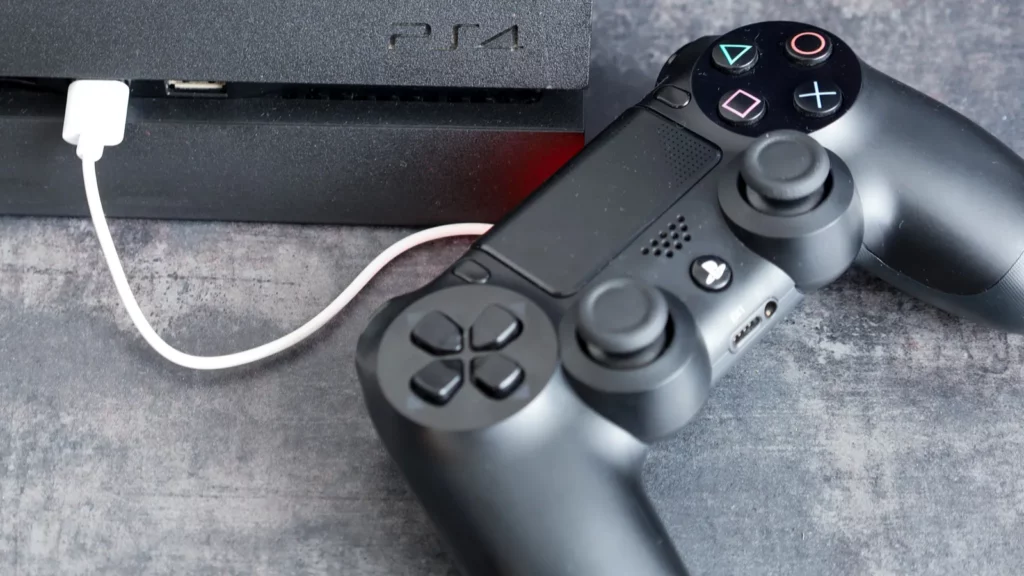
Use it as a Blu-ray and DVD player
Streaming may dominate today, but physical media still offers excellent video and audio quality. The PS4 includes a built-in Blu-ray and DVD drive, which means it doubles as a high-quality disc player.
If you have a Blu-ray collection or older DVD box sets, your PS4 can bring them back to life with sharp 1080p visuals and reliable playback. For some households, it may even be the only device capable of playing Blu-ray discs.
This makes it a great addition to a secondary TV setup. Instead of letting those discs collect dust, you can use your PS4 as a dedicated movie player for family nights or nostalgic rewatches.
Little‑known fact: The PS4 is one of the few consoles that supports 3D Blu-ray playback, allowing users to watch 3D movies at home without buying a dedicated 3D player.
Build your own media center with Plex
If you prefer owning your media rather than relying entirely on streaming subscriptions, your PS4 can become a powerful media client using Plex.
After setting up a Plex Media Server on your computer, download the Plex app on your PS4 and link your account. Once connected, your personal library of movies, TV shows, and music appears beautifully organized with artwork and descriptions.
As long as your console is on the same network as the computer hosting the media server, you can stream your entire collection directly to your TV. With a Plex Pass subscription, remote streaming is also possible.
This setup effectively turns your PS4 into a personalized streaming platform that you control. It is a practical solution for anyone who has built a large digital library over the years.
Make it a dedicated Spotify music station
The PS4’s Spotify app is deeply integrated and surprisingly convenient. If your TV is connected to a solid sound system or soundbar, those speakers might outperform most portable Bluetooth speakers in your home.
Install Spotify, log in, and use Spotify Connect on your phone to control playback remotely. You can manage playlists, adjust volume, and switch tracks without navigating the PS4 menus directly.
This works particularly well in living rooms, home offices, or even workout spaces. Instead of buying a separate music streamer, your PS4 can act as a reliable audio hub that is always ready to go.
Use the built-in web browser
One often-overlooked feature of the PS4 is its built-in web browser. While it is not designed for heavy multitasking or advanced web applications, it handles basic browsing tasks quite well.
You can read news articles, check email, browse forums, or look up quick information from your couch. Pairing the console with a USB or Bluetooth keyboard makes the experience smoother and more practical.
It is not a replacement for a modern laptop or desktop computer, but it adds another layer of functionality. For quick searches or casual browsing on a larger screen, the PS4 still delivers.
Repurpose the internal hard drive
If your PS4 is no longer functional or you simply do not need the console itself, you can salvage one of its most useful components: the internal 2.5-inch SATA hard drive.
Sony designed the PS4 with user-replaceable storage, so removing the drive is relatively straightforward. With an inexpensive USB enclosure, you can convert that hard drive into an external storage device for a PC or laptop.
After formatting it, the drive can be used for backing up photos, storing documents, or holding media files. While it may not be as fast as a modern SSD, it is perfectly suitable for general storage purposes.
Repurposing the drive not only saves money but also reduces electronic waste by extending the life of existing hardware.
Stream PS5 games to another room
If you have upgraded to a PS5, your old PS4 can function as a remote gaming station through Sony’s Remote Play feature.
Connect the PS4 to a second TV, ensure both consoles are on the same Wi-Fi network, and launch the Remote Play app. You can stream your PS5 games directly to the PS4, allowing you to play in another room without moving your primary console.
This setup is especially useful in households with shared living spaces. Someone else can use the main TV while you continue gaming elsewhere. It essentially turns your old PS4 into an extension of your PS5, giving it a new role in your setup.
A smarter way to retire your console
If none of these ideas fit your needs, your PS4 can still provide value through trade-in programs or donations.
Many retailers offer credit toward new purchases, and charities or community centers may welcome functional consoles for recreational use.
Before donating or recycling, always perform a full factory reset to protect your personal data. Responsible recycling also ensures the console’s materials are handled properly rather than ending up in a landfill.
Your PS4 deserves more than storage
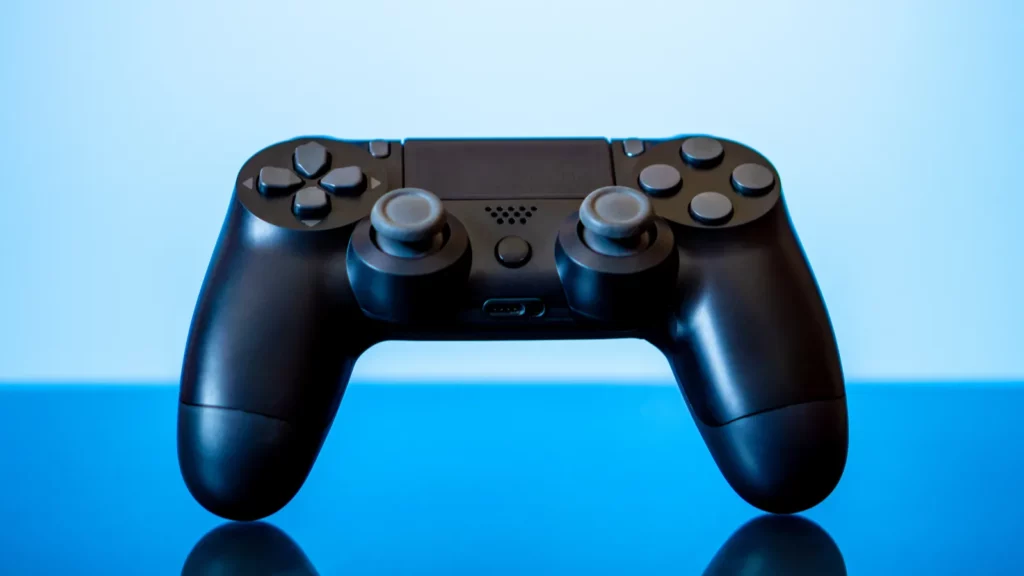
The PlayStation 4 may no longer be the centerpiece of your gaming life, but it is far from obsolete. It remains a capable streaming device, media hub, music player, and even a remote gaming station.
Instead of letting it gather dust, think of it as a versatile entertainment tool waiting for a new purpose. Whether it becomes the heart of a bedroom streaming setup, a dedicated Spotify machine, or a gateway to your personal media library, your old PS4 still has plenty to offer.
This article was made with AI assistance and human editing.
If you liked this, you might also like:
Trending Products

iRobot Roomba Plus 405 (G181) 2in1 ...

Tipdiy Robot Vacuum and Mop Combo,4...

iRobot Roomba 104 2in1 Vacuum &...

Tikom Robot Vacuum and Mop Cleaner ...

ILIFE Robot Vacuum

T2280+T2108

ILIFE V5s Pro Robot Vacuum and Mop ...

T2353111-T2126121

Lefant Robot Vacuum Cleaner M210, W...

